
- Mobile users bounce fast when a site loads slowly or feels hard to use. A business needs a clean and fast mobile experience to keep visitors on the site.
- Strong mobile design comes from clear navigation, readable text, quick loading, touch-friendly layouts, and accessible features.
- A solid mobile audit—using checklists, visibility checks, real-world testing, and ongoing maintenance—keeps the site smooth and ready for customers.
People spend more time browsing on phones than on computers, and that shift keeps growing each year. If a website loads slowly, looks cluttered, or is tough to navigate on a phone, most visitors leave within seconds. For small businesses, this means lost leads, fewer calls, and fewer sales. A strong mobile website experience is no longer just a nice feature. It shapes how customers see your business the moment they land on your site.
Let’s walk through the parts that matter most and how any business can build a strong mobile user experience that supports real growth.
What Defines a User-Friendly Mobile Website?
A mobile website should do one thing well—make it easy for people to get what they want with as few steps as possible. The layout should adjust naturally to any phone screen. Text should be readable without zooming. Buttons should be easy to tap. Menus should be simple. Every element should work toward reducing friction.
A good mobile website experience usually has four defining traits:
1. Speed
Speed shapes the first impression. Most mobile visitors browse on the go, often with weaker network connections. A site that loads quickly keeps their attention and reduces bounce rates. Fast loading also supports better search visibility, since slow pages often drop in rankings. When your site responds immediately, users feel confident moving from one section to the next without waiting.
2. Clarity
Clarity helps users process information without effort. On small screens, visual order matters more than design complexity. Clean spacing, short headings, and well-organized sections guide the eye naturally. When users see exactly where to go next, they stay focused and move through the site with ease. Clarity removes friction from the browsing process and makes your content feel more approachable.
3. Comfort
Comfort comes from thoughtful layout choices. When text is readable, buttons feel easy to tap, and spacing feels balanced, the site becomes easier to use for longer periods. Mobile users often navigate with one hand, so layouts that support natural scrolling and simple touch actions feel smoother. A comfortable design keeps the experience steady, even for users with larger fingers or smaller screens.
4. Accessibility
Accessibility expands your audience and improves usability for everyone—not just people with disabilities. Strong contrast, descriptive labels, keyboard-friendly structures, and alt text all help users interact with content without strain. An accessible layout also works better across different devices, screen sizes, and lighting conditions.
These principles guide the rest of the elements we’ll explore in the next section.
Essential Elements of a Strong Mobile Website Experience
Here are the specific components that shape a solid mobile-friendly design, broken down one by one.
1. Fast Loading Speed
Speed is the first thing users notice. Even if your design looks great, visitors will leave if the page drags. Several factors influence loading speed:
- Heavy images
- Too many scripts
- Large page files
- Slow hosting
- Unoptimized code
To improve speed, compress images, reduce unnecessary plugins, use modern file formats, and simplify the structure of each page. A fast-loading site creates a seamless first impression and encourages visitors to stay longer.
2. Responsive, Mobile-First Layout
A responsive layout adjusts to all screen sizes automatically, but a mobile-first layout goes further. It starts by designing for phones first, then scaling up for larger screens like tablets and desktops.
A mobile-first approach helps you prioritize:
- Simple sections
- Clean spacing
- Minimal distractions
- Clear visual order
It forces the most valuable content to rise to the front. This leads to a stronger mobile user experience because the layout is built around real customer behavior.
3. Clear Navigation and Menu Structure
Navigation often decides whether users stay or leave. On mobile, space is limited, so menus need to be:
- Short and organized
- Easy to tap
- Free of clutter
- Written in simple labels
Hamburger menus, sticky headers, and quick links help users move around without frustration. When navigation feels smooth, people trust your site more and are willing to explore deeper.
4. Readable Text and Clean Typography
Text on a phone should be easy on the eyes. Long paragraphs make people lose interest quickly, while tiny fonts force them to zoom. A good layout avoids both issues.
Key practices include:
- A comfortable font size
- Short line lengths
- Adequate spacing
- High contrast between text and background
Headings should break up content, and paragraphs should stay short to encourage skimming. Strong readability keeps people engaged longer and improves the overall mobile website experience.
5. Easy-to-Tap Buttons and Touch-Friendly Elements
Finger-friendly design matters. People tap, scroll, swipe, and hold their phones differently than they use a mouse. Buttons that are too small or packed too closely lead to accidental clicks or frustration.
A comfortable button design should offer:
- Enough padding
- Clear labels
- Consistent placement
- Visible color contrast
Touch areas should feel spacious, not cramped. Forms and pop-ups should be minimized or simplified so users can complete actions without stress.
6. Optimized Images and Media
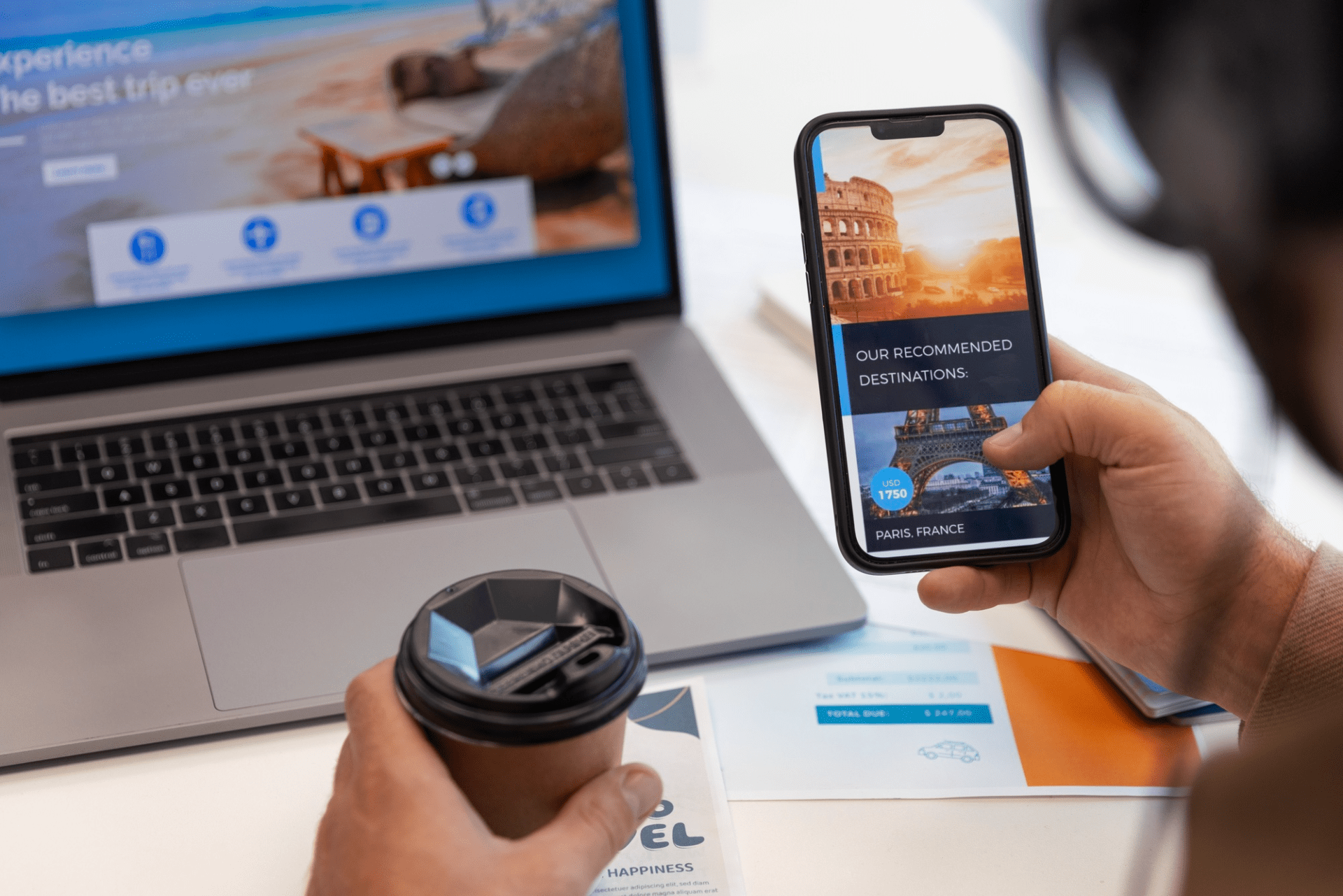
Images help tell your brand’s story, but they can slow down a site if not handled well. On mobile, heavy files quickly eat up data and delay loading.
Good image handling involves:
- Compressed file sizes
- Proper image dimensions
- Modern formats
- Lazy loading
- Minimal autoplay videos
Optimized media keeps the page light and supports a faster, mobile-friendly design.
7. Minimal Pop-ups
Pop-ups on a phone can be disruptive if they block the screen. They often appear at the wrong moment, forcing users to hunt for a tiny “X” to close them.
If pop-ups are needed for promotions or sign-ups, they should:
- Appear at the right time.
- Take up minimal space.
- Include clear exits.
- Not block important information.
A light approach keeps the user journey smooth.
8. Secure and Trustworthy Design
People are cautious when browsing on mobile. If a site feels outdated, cluttered, or confusing, visitors may hesitate to submit their information or contact the business.
Trust cues include:
- A secure HTTPS connection
- Clear branding
- Visible contact information
- Clean structure
- Recognizable icons or labels
These cues help visitors feel safe and confident while exploring your site.
9. Accessibility Features
A mobile site should accommodate all users, including those with visual or physical challenges. Simple adjustments make a big difference.
Helpful accessibility practices include:
- Descriptive alt text for images
- Proper heading structure
- Good text contrast
- Labels for forms
- Clear touch targets
These steps broaden your audience and give every visitor a fair chance to interact with your content.
Conversion-Focused Mobile Features
A mobile site shouldn’t just look good—it should support your business goals. Certain features guide visitors toward taking action.
Click-to-Call Buttons
People on phones often want fast communication. A tap-to-call button makes that easy. It removes friction and boosts leads for service-based businesses.
Simple Forms
Long forms are hard to fill out on small screens. Mobile forms should be short, clean, and built with large fields. One or two required fields often work best for initial contact.
Local Business Information
Local visitors want quick details. Adding hours, address, directions, service areas, and maps helps people understand your reach and trust your brand instantly.
These features support both user needs and conversions, creating a stronger mobile user experience that drives results for small businesses.
How to Audit Your Mobile Website
Auditing your mobile site helps you spot problems before they affect customers. A regular review keeps the experience smooth and prevents issues from piling up.
Here’s how to perform a solid audit.
Use a Checklist
Review your site with a clear outline:
- Does the homepage load quickly?
- Are menus simple and easy to tap?
- Can users find contact options within seconds?
- Is the text easy to read without zooming?
- Do images load properly on mobile data?
- Are buttons spaced comfortably?
- Are forms short and simple?
- Does the site feel fast on both Wi-Fi and mobile networks?
- Is there enough contrast for readability?
- Do pop-ups get in the way?
This checklist gives you a clear picture of how users actually experience your site.
Review Mobile Search Visibility
A mobile-friendly site also needs to show up when people search on their phones. Check how your pages appear in mobile results: titles, descriptions, and featured sections. Make sure key pages are indexed, and any broken links are fixed. When your content is easy to find, visitors arrive with fewer barriers.
Test Real-World Scenarios
Simulate how customers actually use your website: searching for hours, checking pricing, booking a service, or finding directions. Try it while on the move, outdoors, or with weaker signals. Testing real tasks shows issues you might miss in a controlled environment.
Build a Maintenance Routine
A mobile site needs steady attention, not a one-time fix. A simple routine could include:
- Monthly speed checks
- Quarterly content updates
- Regular image optimization
- Form testing
- Review of menu items
- Seasonal design adjustments
- Removal of outdated plugins or scripts
This keeps your mobile website experience consistent for new and returning visitors.
A strong mobile-friendly design is built on clear structure, fast performance, readable content, and smooth interaction. When a visitor lands on your site, they should feel comfortable moving through each section without friction.
Want a mobile website that’s fast, clean, and built to convert? Our team at MarketLocal can help you upgrade your site so visitors stay longer and take action. Reach out to us today, and let’s build a stronger mobile presence for your business.